Quick Tour
AI Prompt Leak Guard watches the prompt box on supported AI sites and checks the text before it leaves the browser.
How To Install
- Microsoft Edge: install from Microsoft Edge Add-ons.
- Google Chrome: the Chrome Web Store listing is in review. Its link will be added here once it is approved.
- Firefox: the Firefox Add-ons listing is in review. Its link will be added here once it is approved.
Free local protection needs no account or payment. To add Plus, see pricing.
Warning Before Sending
When a prompt includes private details, the user sees a clear warning and can clean it up first.
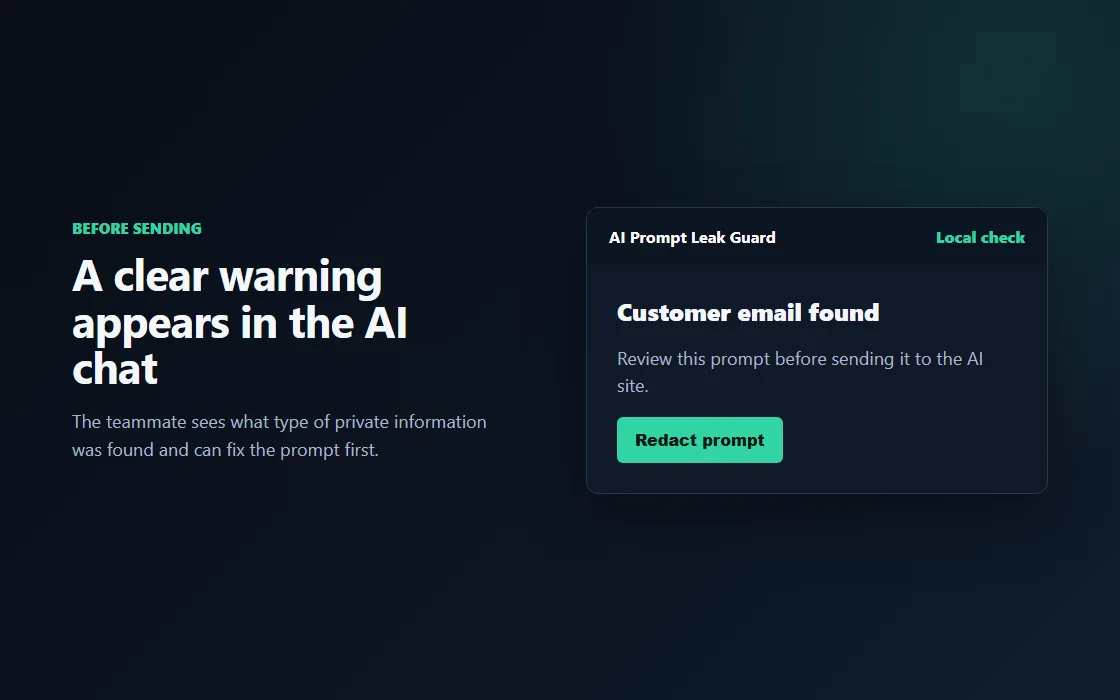
Examples:
- Customer email in a support reply.
- Phone number in a sales note.
- Client note copied into a draft.
Redaction For Quick Cleanup
For some risks, the user can replace the sensitive value and keep working.
The goal is simple: remove the risky part before the prompt is sent.
Firm Blocks For High-Risk Data
Some information should not leave the browser at all. Team rules can block those prompts.
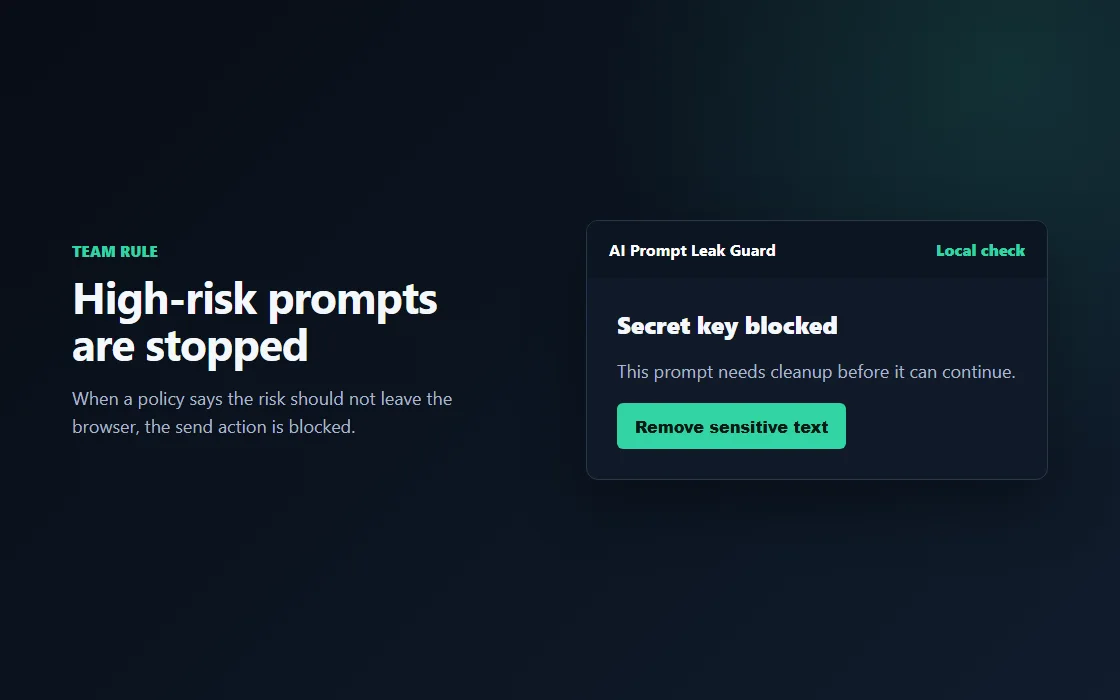
Examples:
- Secret keys.
- Payment details.
- Tax or government identifiers.
- Medical record details.
Your Own Sensitive Terms
Add project codenames, client names or other private words in Settings. The extension matches them as whole words, ignoring case, and blocks the prompt by default.
- Up to 200 terms, each 2 to 100 characters.
- Terms stay on your device. They are stored as plain text so they can be matched, and they are included when you export settings.
Newer Secret Checks
This build also recognizes:
- GitLab access tokens.
- AWS secret access keys.
- Azure SAS tokens.
Hidden characters such as zero-width spaces, soft hyphens and fullwidth letters are normalized before matching, so they do not hide a value.
Upload Checks For Paid Teams
Local upload inspection is part of the paid Plus plan. Readable text can be checked locally; compressed, incomplete, image and unsupported content requires review.
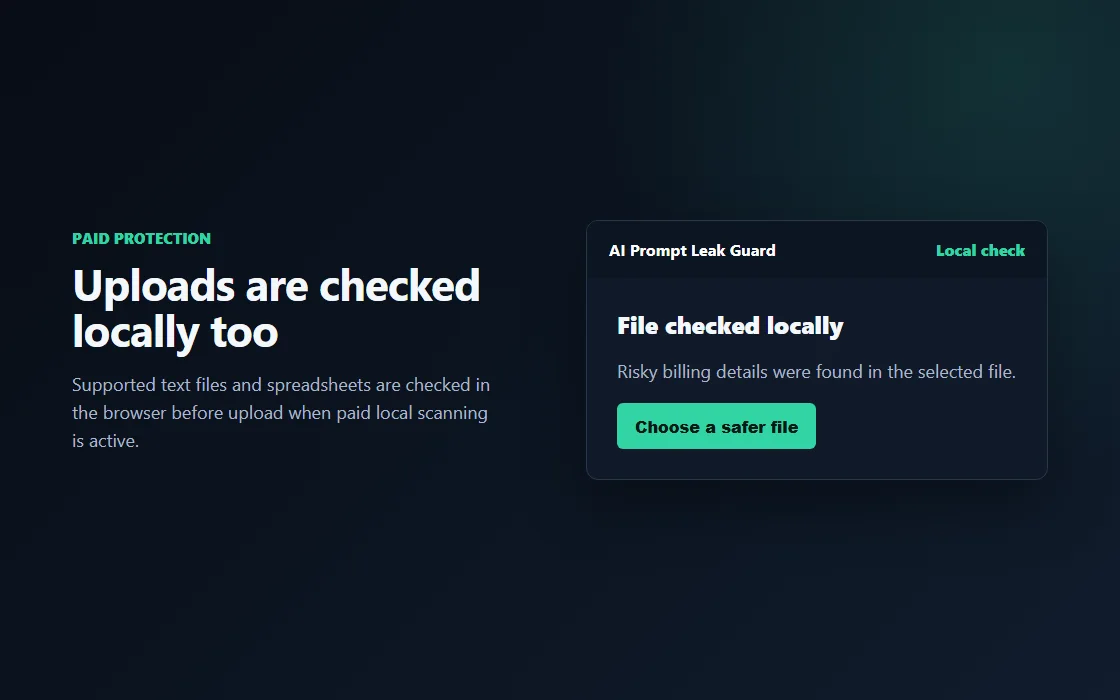
What users see:
- A file check starts after selecting an upload.
- The notice says whether the upload looks safe, risky, or needs review.
- Risky uploads are stopped locally before they are sent.
Simple Team Controls
Admins can choose how different risk types behave without editing confusing policy files.
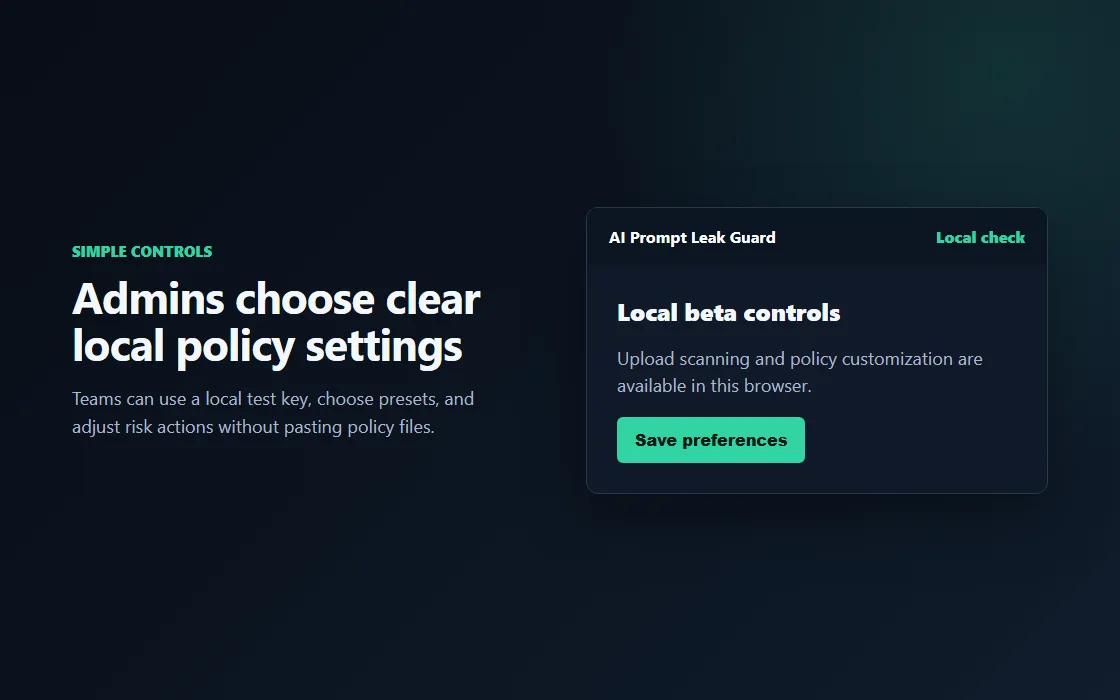
Common choices:
- Warn the user.
- Redact sensitive values.
- Block the prompt.
- Allow a one-time exception only when policy permits it.
Privacy First
Prompt checks stay in the browser. Paid team features are built around account and policy status, not uploading prompts.
What To Tell Teammates
Use AI tools as usual. If AI Prompt Leak Guard warns or blocks, remove the private detail and try again.